


New article
Recently updated
Checking if your Mail Manager Enterprise configuration profile is applying correctly

Who is this article for?
Admins who want to test if configuration profiles are applying.
Some admin access may be required.
You can verify that your Mail Manager Enterprise configuration profiles are applying correctly by reviewing the MailConfig.xml file.
Locating the configuration file
To access the configuration file:
- Go to %AppData%\Ideagen Mail Manager Enterprise Solutions.
- Open the MailConfig.xml file with Notepad or a similar application.
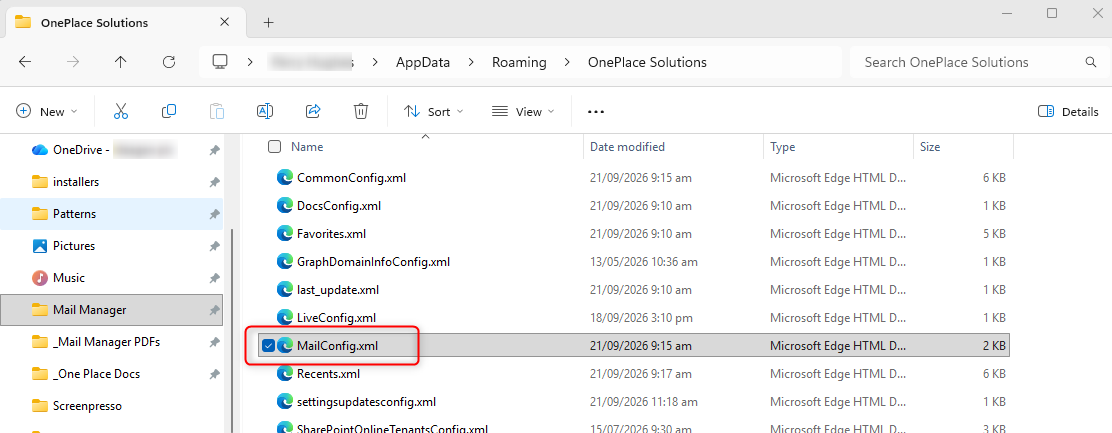
Reviewing applied configurations
To verify your configuration profiles:
- Review the MailConfig.xml file content.
- Check that all your applied configurations are listed in the text.
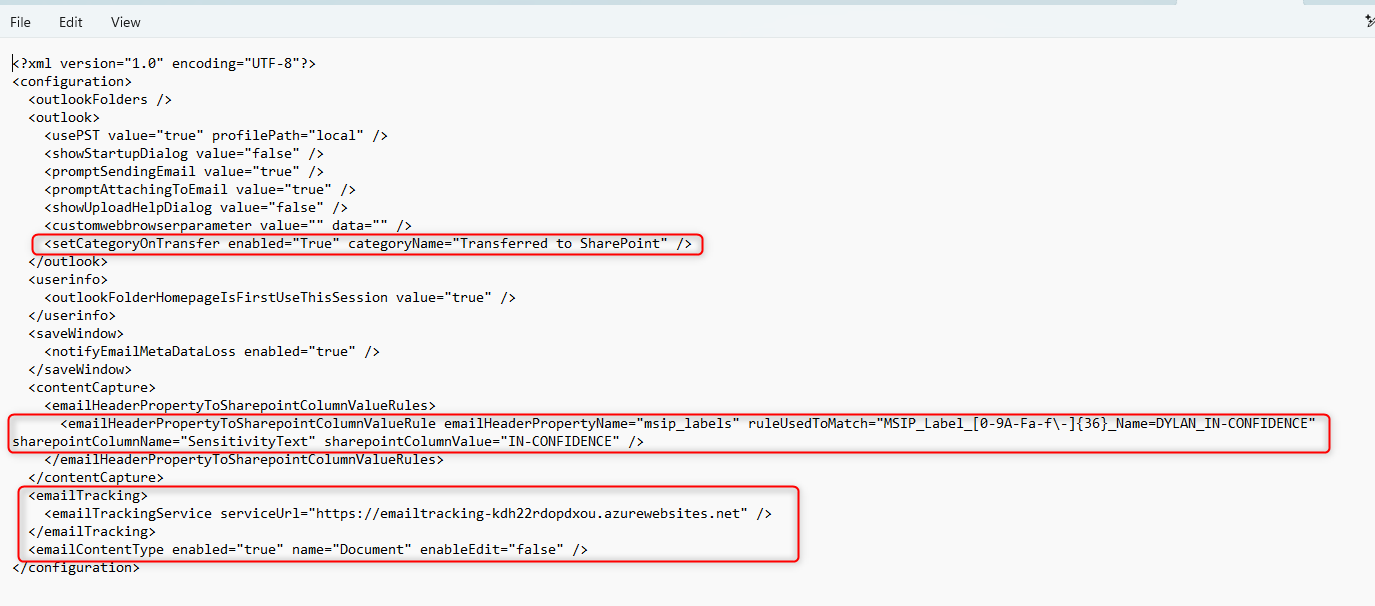
The profiles you are applying or testing will be listed, confirming they are active.