


New article
Recently updated
Moving from Ideagen Mail Manager Enterprise for classic outlook to the modern web app

Who is this article for?
Administrators or IT staff who want to migrate to the Ideagen Mail Manager Enterprise (formerly OnePlace) web app for New Outlook.
Some elevated permissions may be required.
This article explains the things to consider when moving yourself or users from using the Ideagen Mail Manager Enterprise desktop app for classic outlook to the web app for new outlook.
1. Deployment of the web app.
We recommend that you deploy the Ideagen Mail Manager Enterprise web app to your staff via the Microsoft 365 admin center. Instructions to do this are linked below:
This deployment can take up to 72 hours to show in end users Outlook. This deployment is all controlled by Microsoft.
Note: Deploying the Ideagen Mail Manager Enterprise we app via the in-app Microsoft store or AppSource is not recommended, as some new feature updates may require admin approval, which is better managed when the web app is deployed centrally via the Admin Center.
2. The differences between the desktop and web app.
The Ideagen Mail Manager Enterprise web app works across all types of Outlook.
New Outlook
Outlook in the web (OWA)
Outlook for mobile
Classic Outlook
You can still access adding metadata, rename emails and attachments, use solution profiles and custom SharePoint column mapping along with setting a custom content type for email.
Currently the Ideagen Mail Manager Enterprise web app does not support the following features from the desktop app:
- Drag and drop to save an email.
- General configuration profiles (except what is mentioned above in italics).
- Saving emails from a group mailbox.
- The web app does not yet have filing suggestions
-
The web app only supports authentication to one tenant
We rely heavily on Microsoft providing the API's to allow us to build advanced features for the web app. As these become available we will see more advanced features over time.The web app does support send and save, solution profiles and many other features.
3. Training your users on how to use the web app.
New users to the Ideagen Mail Manager Enterprise web app can view the getting started video below:
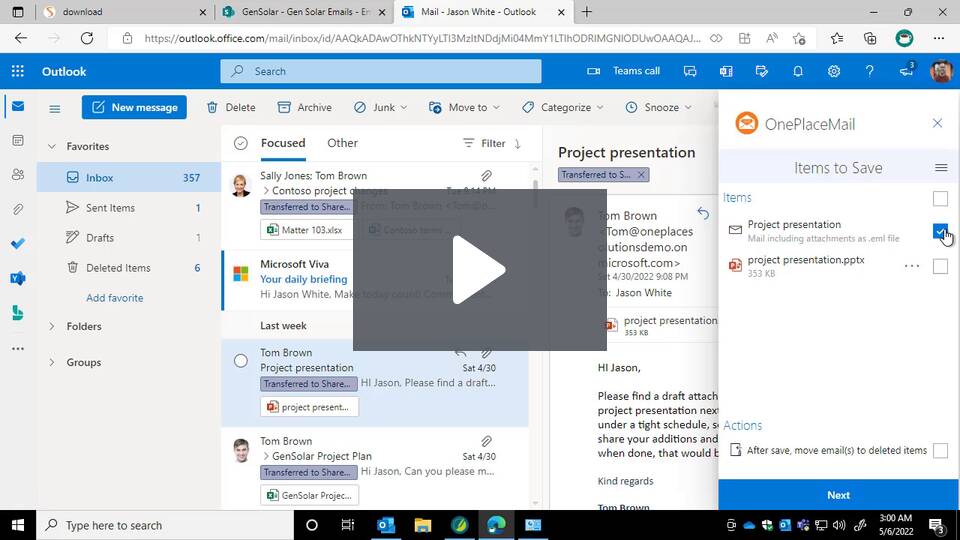
Save emails to Microsoft 365 with OnePlaceMail App